
WMS - warehouse management system
SPRINTER 3000: you immediately find the needle in the haystack
Warehouse management system
Manage all your warehouse processes and keep full control. Register all incoming goods and put them on location.
Pallets can suddenly be registered, retrieved and knocked out in complete simplicity. Goods also fall flawlessly into your shipments whether this is road, sea or air freight is. Also, all customs linking documents to your stock, so your bonded warehouse will soon be in order.
Maintain a complete overview in your warehouse
See from start to finish where that pallet or box is and what happened to it?
During bashing, the pallet a unique number with which he can always be found, also photos can be added by scanner.
The pallet is placed on its right place through the preferred locations module.
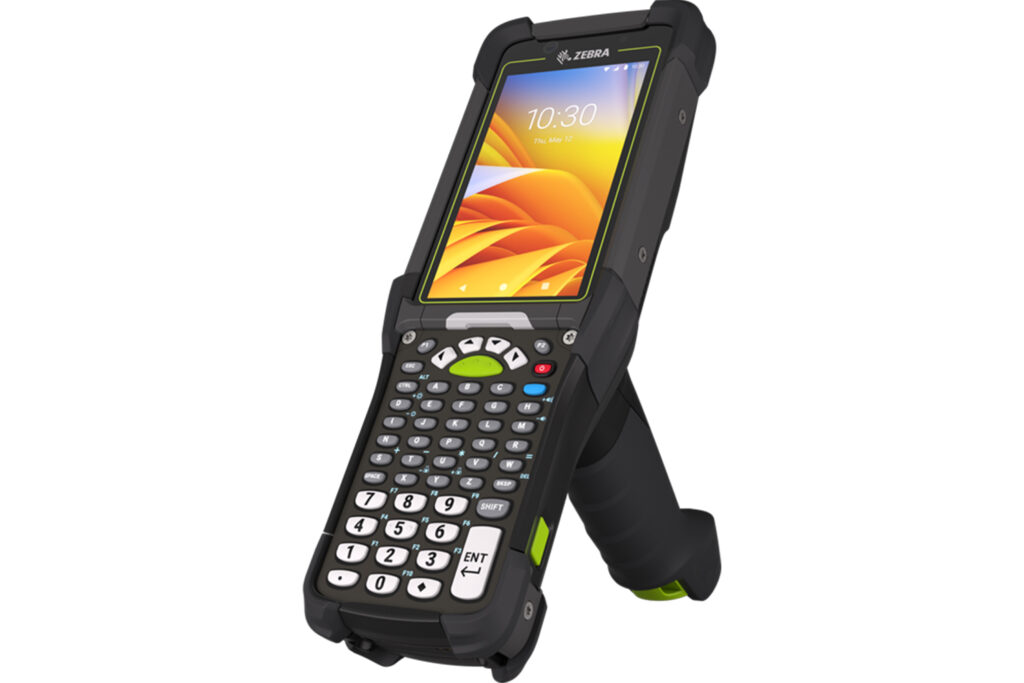
During staking out, the pilot worker gets a list on his scanner of what to get where, with an automatic check that he is all goods has for the right shipment.
Complete this WMS software with a link to a freight volume measuring device, for accurate weights and measures.
Quick search in your warehouse
It is possible to search by field, part of a field or multiple fields.
Searching by period or by mission number, place, reference, waybill number, date, etc. is also possible, of course.
This way, you can quickly find what you are looking for and have your pallet, box or parcel tracked down in no time.
Keep an overview of your stock
Immediately know where and when to load or unload for today, or this week?
Sprinter 3000 ensures you keep control in your daily summary with the help of a personal dashboard allowing you to always have and keep the most convenient overview.
Frequently asked questions
If your question is missing from this list, please take contact with us.
Eager to see for yourself what WMS software can do for you?
Then don't hesitate and request that no-obligation demo now.